You’re 3 steps away from automating your links!
Follow the simple instructions below to install the free version of Auto Affiliate Links.
Step 1: Download the Plugin
[ Click here to download the plugin ]
Step 2: Upload to WordPress
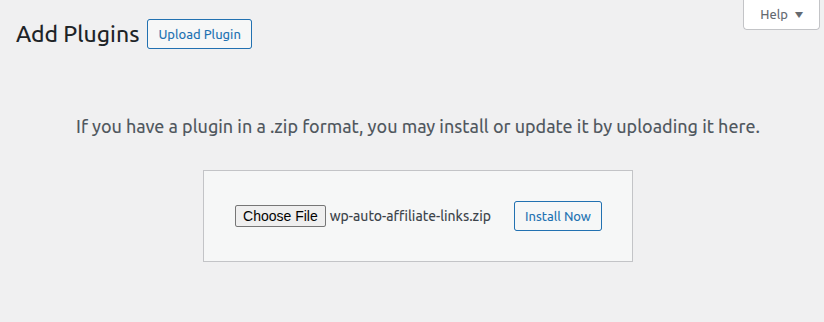
Log in to your WordPress dashboard. Go to Plugins > Add New on the left menu. Click the “Upload Plugin” button at the top of the screen and choose the .zip file you just downloaded. Click Install Now, then Activate.
Step 3: Add your links and start earning
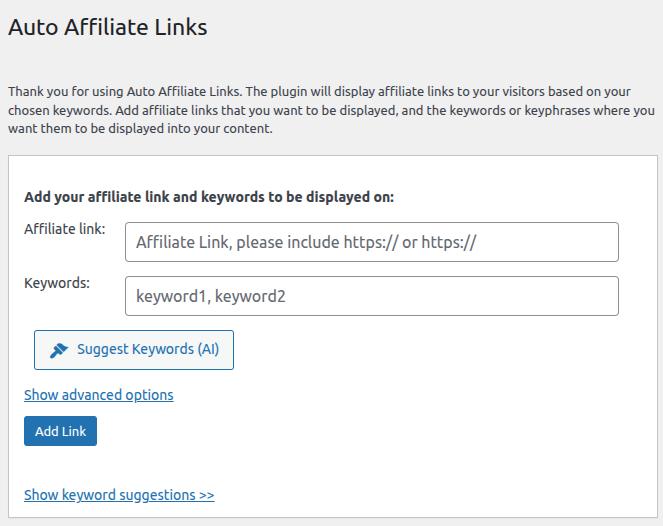
Once activated, go to the new Auto Affiliate Links menu in your admin dashboard, add your links and set your preferences.